How to Use Netflix Party, So You Never Have to Watch TV Alone Again

Jason Pham
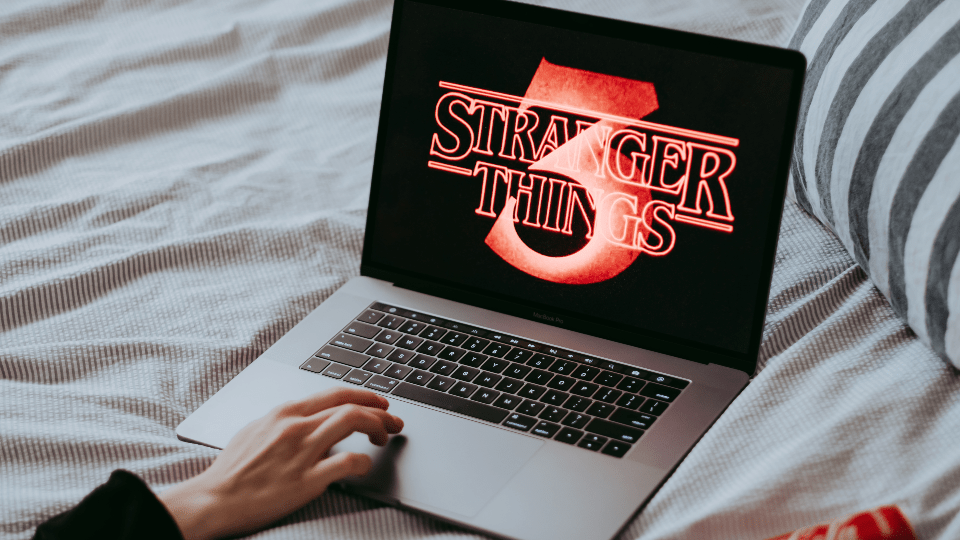
We’ve lost count of the number of days we’ve been in quarantine. Has it been four weeks? Four years? Who the hell knows? What we do know is how to use Netflix party to watch movies and TV shows with friends, so you can still social distance and have human connection. (Whatever that feels like.)
What Is Netflix Party?
Let’s start with the basics: What the F is Netflix Party? Netflix Party is an extension that allows Netflix users to watch videos with their friends and chat at the same time. Those who have tried to watch Netflix the old-fashion way—a.k.a. pressing play at the same time as your friend while you’re on FaceTime with them—know that it can be difficult for you and your bud to sync up at the same time. Netflix Party solves that.


How Does It Work?
Here’s how Netflix Party works: You and your friend will log into your separate Netflix accounts. After you pick a movie or a TV show to watch, Netflix will sync the video across both accounts, so you and your bud can watch the same screen at the same time. Netflix Party also has a chat function at the side—similar to YouTube’s livestreams—so friends can chat and react to content at the same time. Cool huh?
How Do I Download It?
Here’s the catch: Netflix Party is only available on Google Chrome Browsers and on desktop or laptop computers. (Which means no Safari, no Firefox and no mobile apps.) If you’re cool with that, download the Google Chrome Extension here. And then follow the steps below.
How Do I Use It?
- Sign into your account at Netflix.com in your Google Chrome browser.
- Select and play the TV show or movie that you want to watch with your friend.
- Click on the Netflix Party extension (the red NP) next to where the URL is in your address bar.
- Click Start the Party (you can check the box that says “Only I Have the Control” if only you want to be able to pause, fast forward, etc.)
- Copy the link and share it with your friends who you want to watch Netflix with.
- A a chat function will appear on the side, where you can talk with your friends. You can click on the circle icon next to Netflix Party and the link icon to change your avatar and your nickname in the chat.
- Click play and enjoy!
If you have any questions, visit NetflixParty.com.