How To Use Taylor Swift’s 1989 Cover Generator
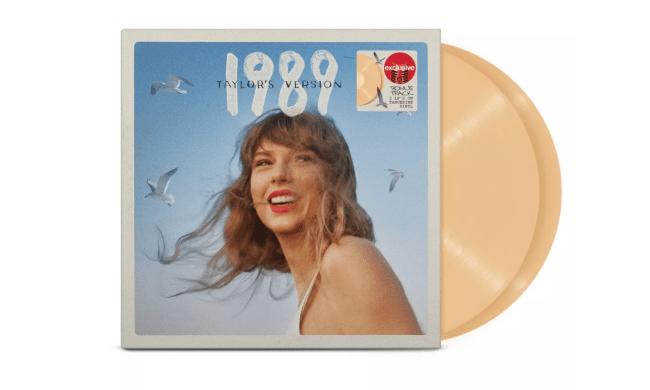
Here’s how to make your own 1989 (Taylor’s Version) cover.
- Visit this link to pre-save 1989 (Taylor’s Version) on your preferred platform
- Scroll down to the bottom of the page to Create a Taylor Swift 1989 (Your Version) Cover
- Click “Let’s Go!”
- Scroll down to the terms and conditions and sign your name. (If you’re under 18, you need a parent’s signature as well)
- Upload your photo and type in your name
- Click submit and the photo generator will remove the background
- Adjust the Zoom and Rotation or drag to reposition the subject
- Voila! You have your own 1989 (Taylor’s Version) album cover.
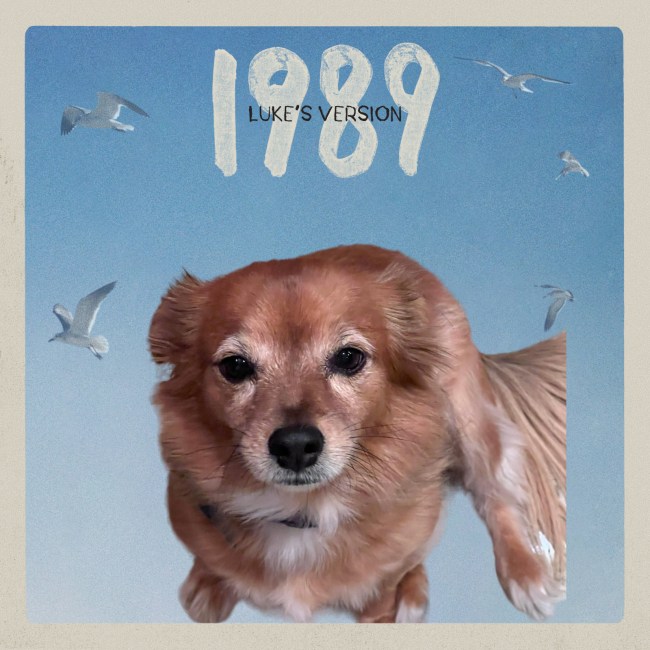
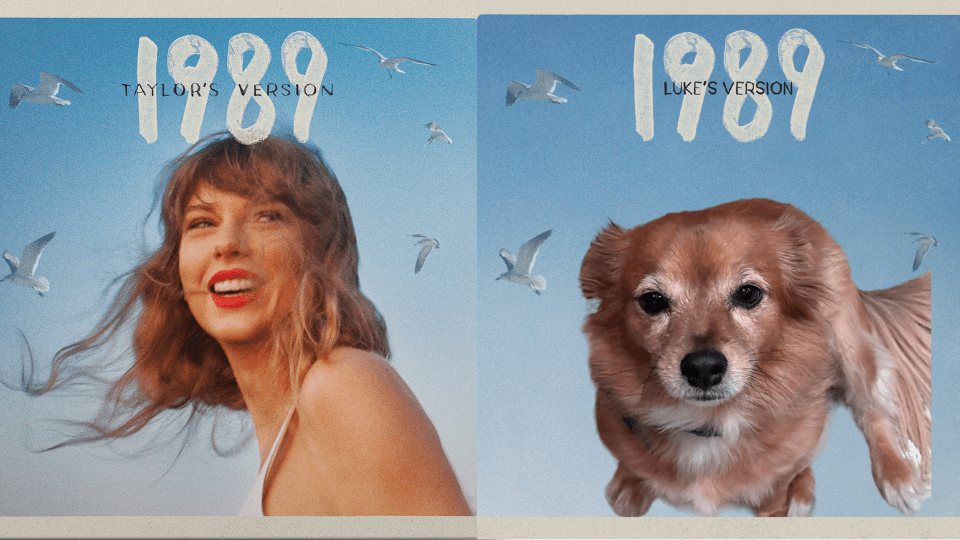
You can make the cover of anyone or anything, even your own pets. Here’s an example of a cover featuring my lovely dog Luke!