How to Make AI Yearbook Pictures
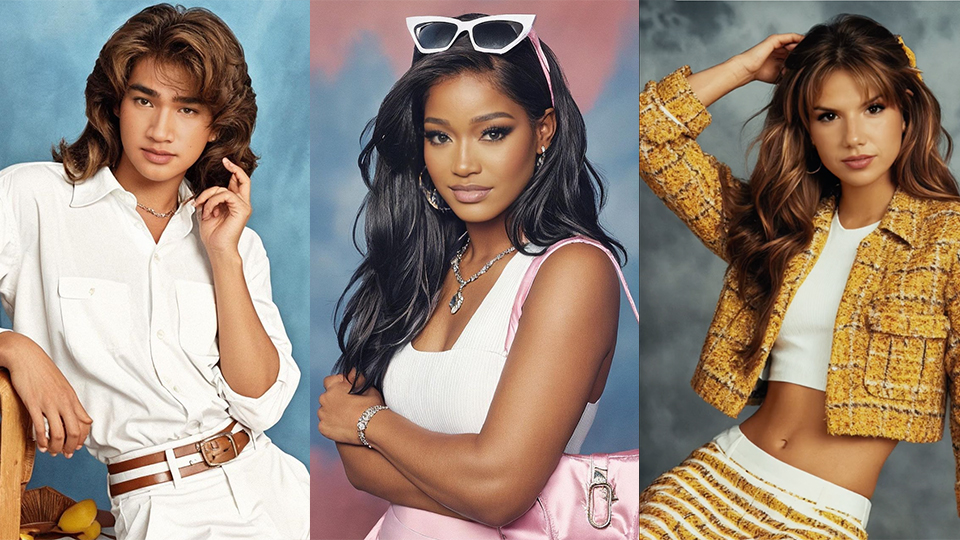
Here’s how to make AI Yearbook Pictures:
- Download EPIK on the App Store or Google Play Store
- Enter the app and select Yearbook AI
- Upload 8-12 Selfies on the app, and choose gender.
- Choose an option for standard or express delivery. It costs between $5.99 to $9.99 (depending on how soon you want the photos) to access the photos.
- Within 2 hours or 24 hours, you’ll be able to access 60 AI images of yearbook photos.
If you want to go further and share your options on TikTok, don’t worry. CapCut already has a template ready for you to upload your photos.
- Download CapCut on the App Store or Google Play Store
- Search “Yearbook AI” template
- Choose the first result.
- Upload your desired Yearbook AI photo into the template
- Upload and export the video on TikTok!