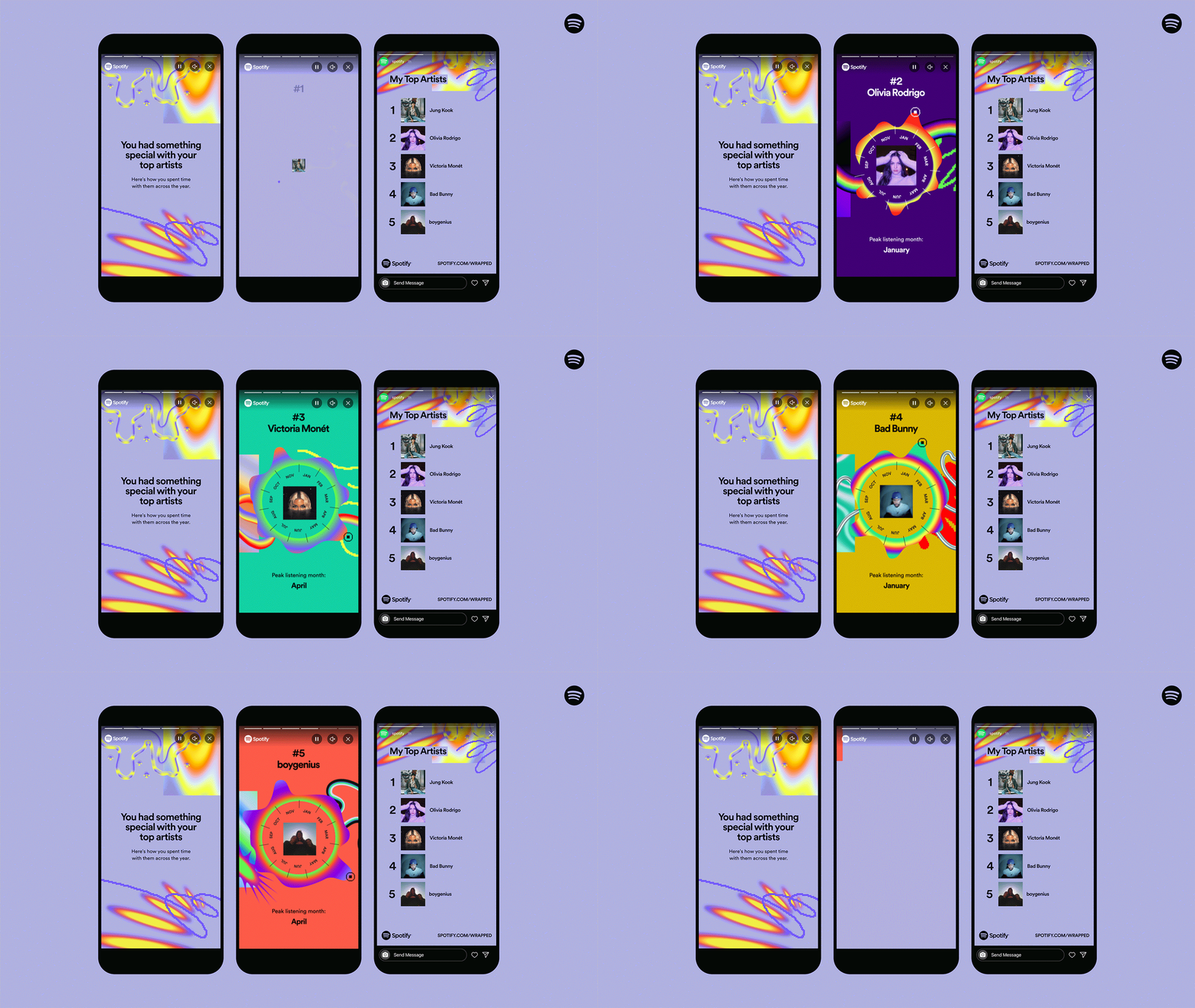
Spotify Wrapped “Something Went Wrong?” solutions
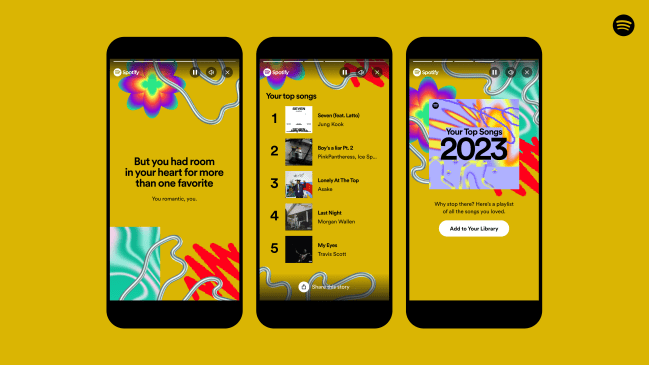
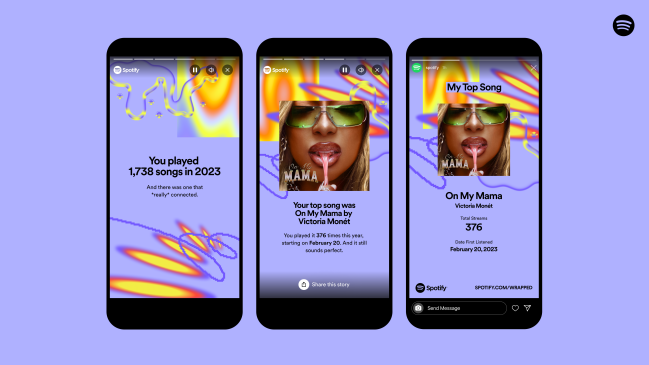
Why does your Spotify Wrapped say “Something Went Wrong” or an Internal Server Error? There might have been an influx of users trying to get their Spotify Wrapped at the same time. Check out these quick solutions to get your Spotify Wrapped in no time.
- Make sure that your Spotify app is updated to the latest version. On iOS you need app version 8.8.92 to see Spotify Wrapped, while on Android version you need version 8.8.90.893.
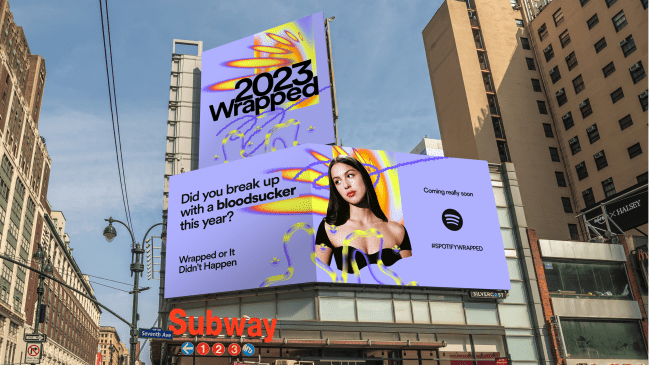
- Once updated you should see a banner that says 2023 Wrapped.
- If it’s still not showing up for you, try typing or ‘spotify:datastories:wrapped’ or ‘2023 Wrapped’ in the search bar in your app.
- Another route is to open a web browser window and type in spotify.com/wrapped. Once you’re logged in, Spotify in your browser should show your unique listening stats.